Choose a device-specific scope
Maintenance is not a single package for every device. Discuss the areas to be checked, the access required and any cleaning work proposed.
Regular attention can help you understand the condition of a computer and spot concerns before they disrupt everyday use. The maintenance scope depends on the device design, its condition and the symptoms you report.
Request this service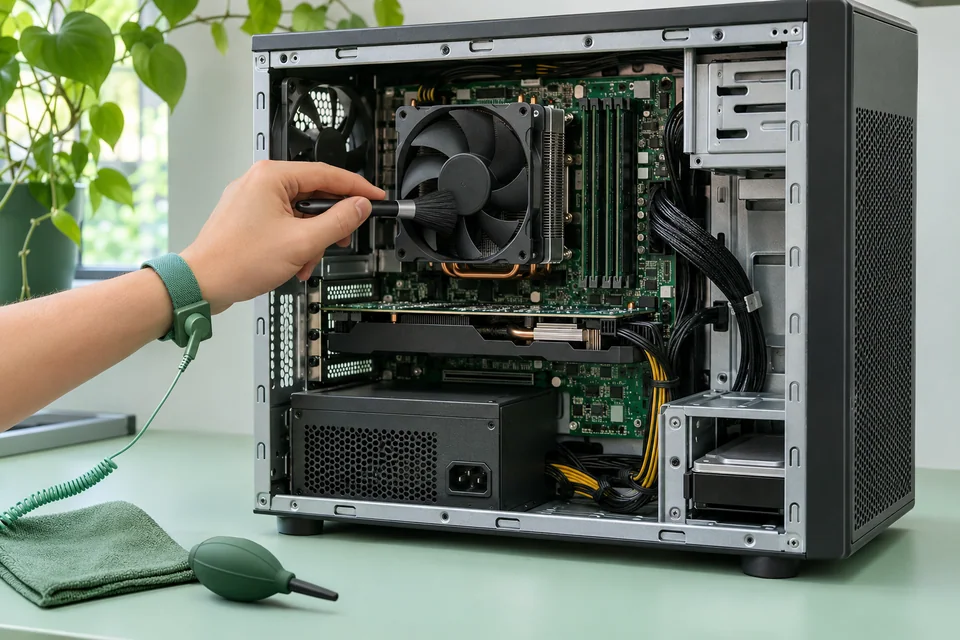
These are the questions to discuss when arranging the service.
Maintenance is not a single package for every device. Discuss the areas to be checked, the access required and any cleaning work proposed.
Noise, heat and reliability concerns may need further diagnosis. Cleaning alone is not a guarantee that a hardware fault will be resolved.
If an assessment identifies another concern, review the findings and any additional estimate before agreeing to more work.
Review the stated scope. The final quote depends on the equipment and findings.
Parts and other excluded charges are separate. Assessment is separate from repair labor unless your quote states otherwise.
It depends on the device, its environment and how it is used. Describe the equipment and any concerns so the maintenance scope can be discussed.
A cooling problem can have several causes. Cleaning may be part of the proposed work, but further assessment may be needed.
Choose service starting points, share the equipment details and request a written estimate.